Advertisement
Click to download now, finish the installation quickly, and directly unlock the all-round experience
Advertisement
Screenshots




Click to download now, finish the installation quickly, and directly unlock the all-round experience
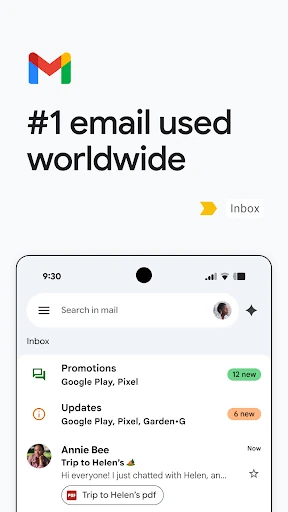
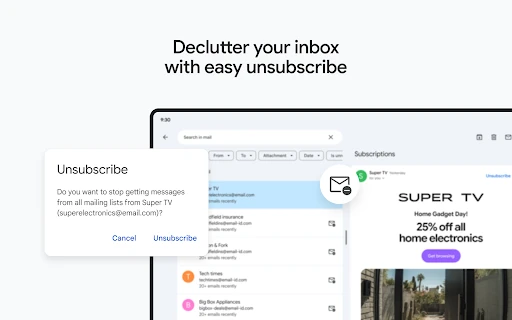
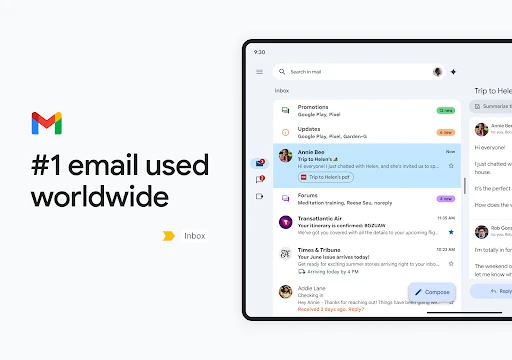
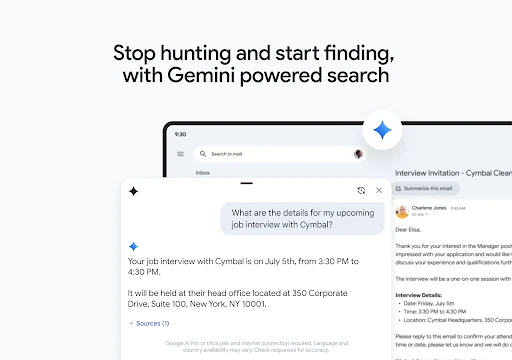
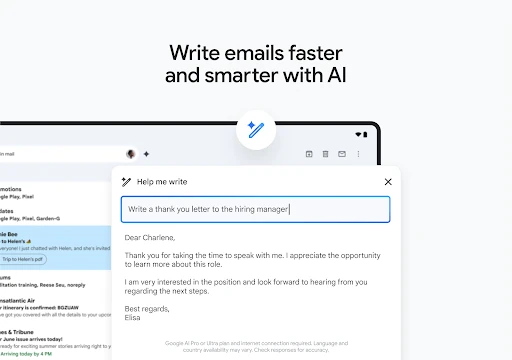
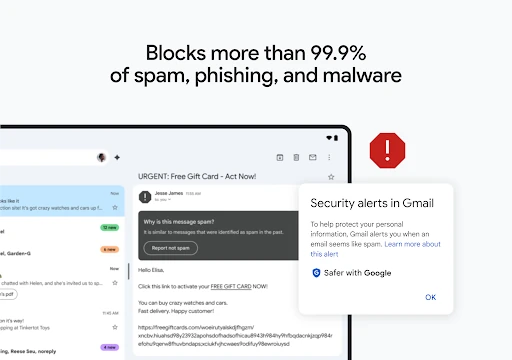
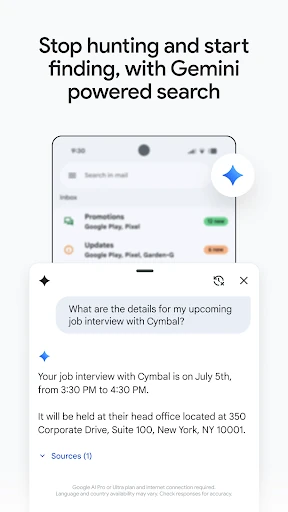
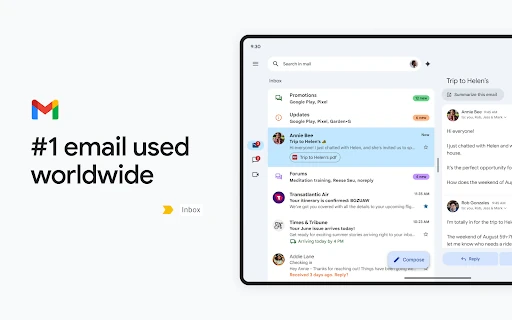
Gmail is Google’s email app for reading, sending and organising messages on Android. It suits people who handle a lot of correspondence, rely on search to find old details, or use Google services alongside email. Its defining strength is making a crowded inbox feel less like a filing problem: search helps you return to a message when you need it, rather than depending on a perfect folder system.
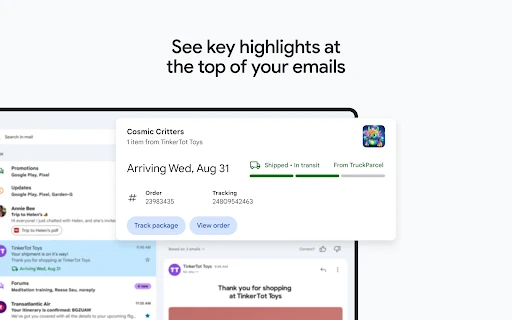
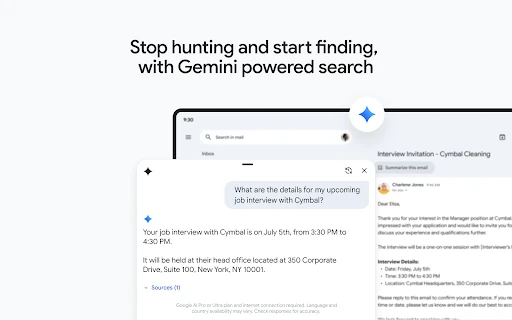
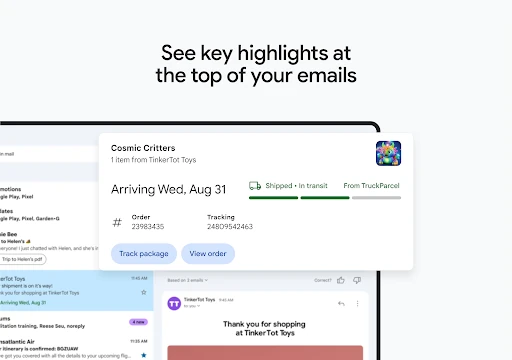
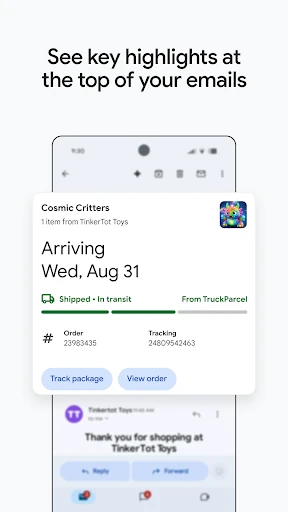
That search-first approach is useful for practical tasks: retrieving an address, checking what someone agreed to, or finding a delivery update buried in an older thread. Gmail can also bring certain travel and shipping details into summary cards, so useful information may be visible without opening every message. For people whose inbox doubles as a record of plans and decisions, that can save more effort than another set of sorting controls.
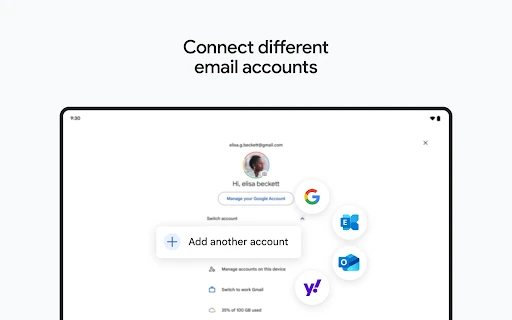
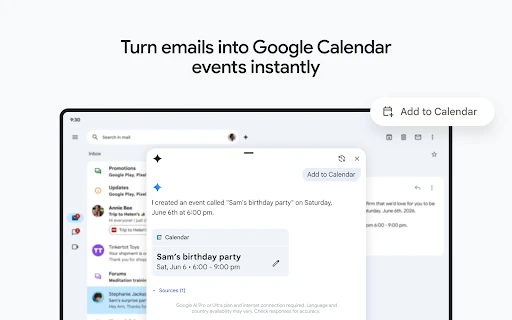
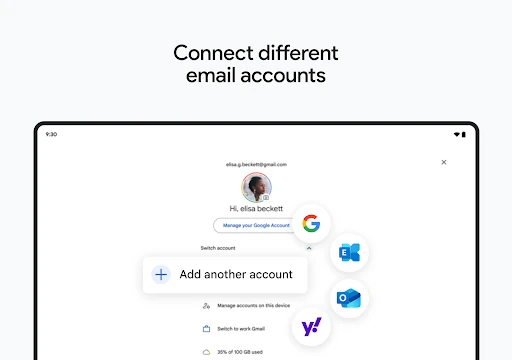
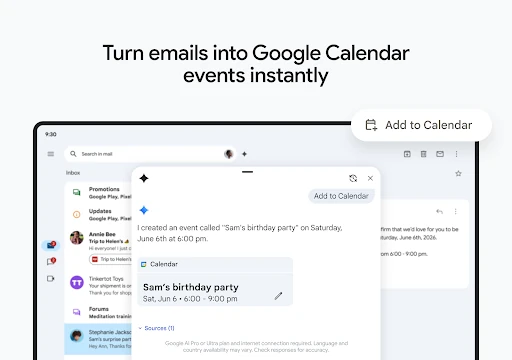
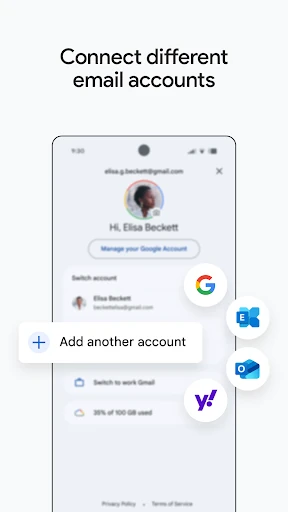
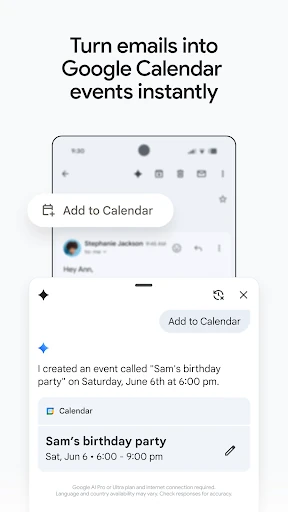
Gmail supports multiple accounts, including accounts from other email providers, which helps if work and personal mail live in different places. Its connection to Google Calendar, Meet and Chat also gives messages a path into common follow-up tasks: an email can lead to a meeting or a calendar event without treating each as an unrelated job. The added tools may be more than someone wants from a simple mail reader, but they are relevant for people already using Google’s services.
Gmail is developed by Google LLC and sits in the Communication category. Its 4.1-star rating across more than 14 million reviews offers a broad signal of how users rate it; the listing reports over 10 billion installs. Those figures do not guarantee it will suit every workflow, but the app’s central advantage is clear: it helps make a large, active inbox easier to search and act on.